

If at any point your screen does not look like the picture, stop and email support@lexbrief.au – we would rather help than have you guess.
Before you start
You add key dates to a matter, so you need a matter to add them to. If you have not created one yet, read Matters first – it walks you through creating one.
A note on wording: the dark strip of links down the left-hand side of the screen is the menu. When we say "click Court Diary in the left-hand menu", we mean click the words Court Diary in that dark strip.
What the Court Diary is
The Court Diary is a list of the future dates and deadlines on your matters – the things you must not miss:
- hearings, mentions, directions and case-management conferences,
- trial dates,
- filing deadlines and other court-imposed dates.
It is different from two other things in LexBrief that also deal with dates, so it helps to keep them straight:
- the Court Diary is for what is coming up – dates in the future;
- File notes are a record of what has happened – "client called and said X";
- the Chronology is the story of the dispute – the dated events at the heart of the case.
If in doubt: a date you are working towards goes in the Court Diary.
The Court Diary page
Click Court Diary in the left-hand menu.
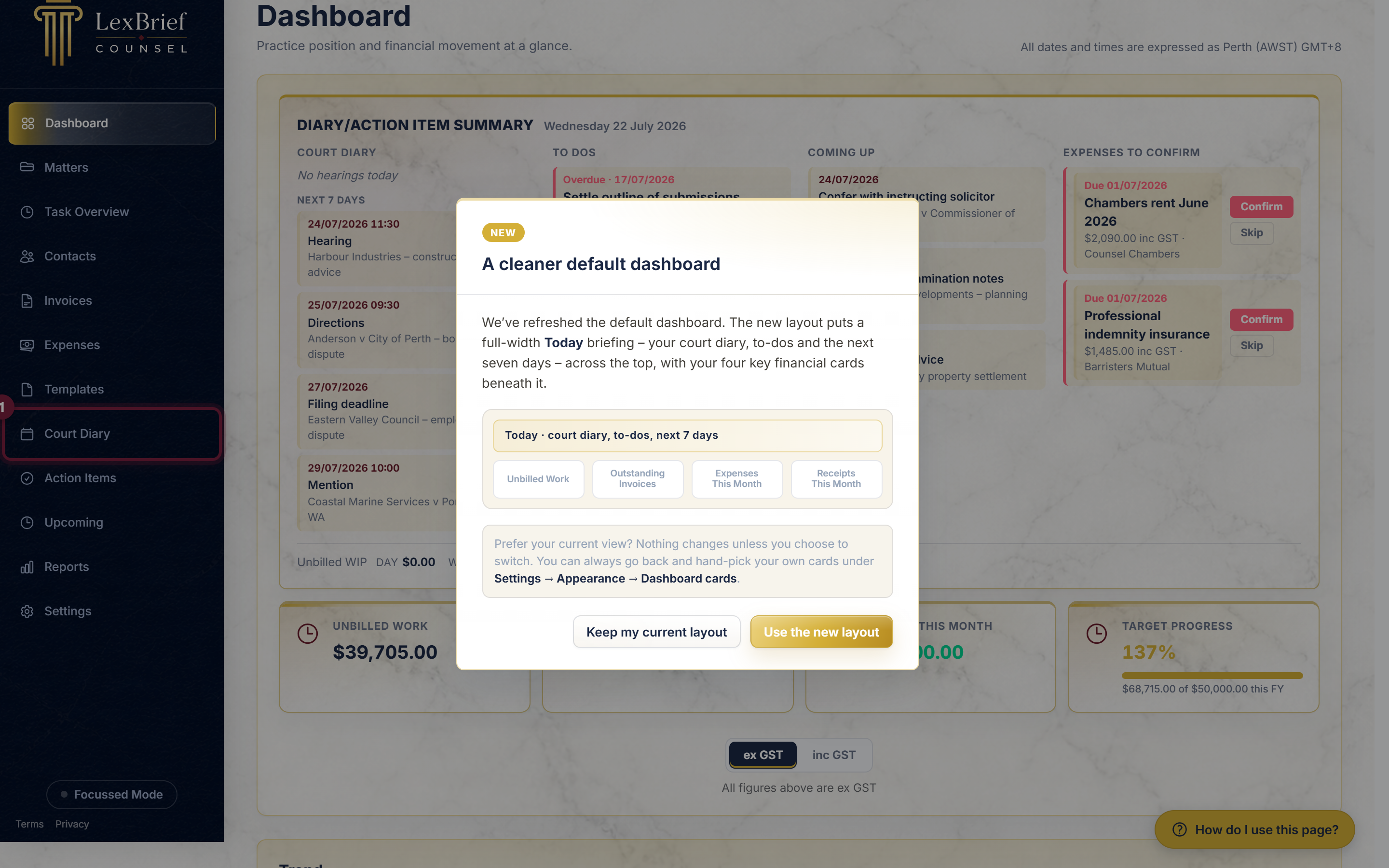
This page gathers the key dates from all your matters into one list, soonest first, so you can see everything at a glance.
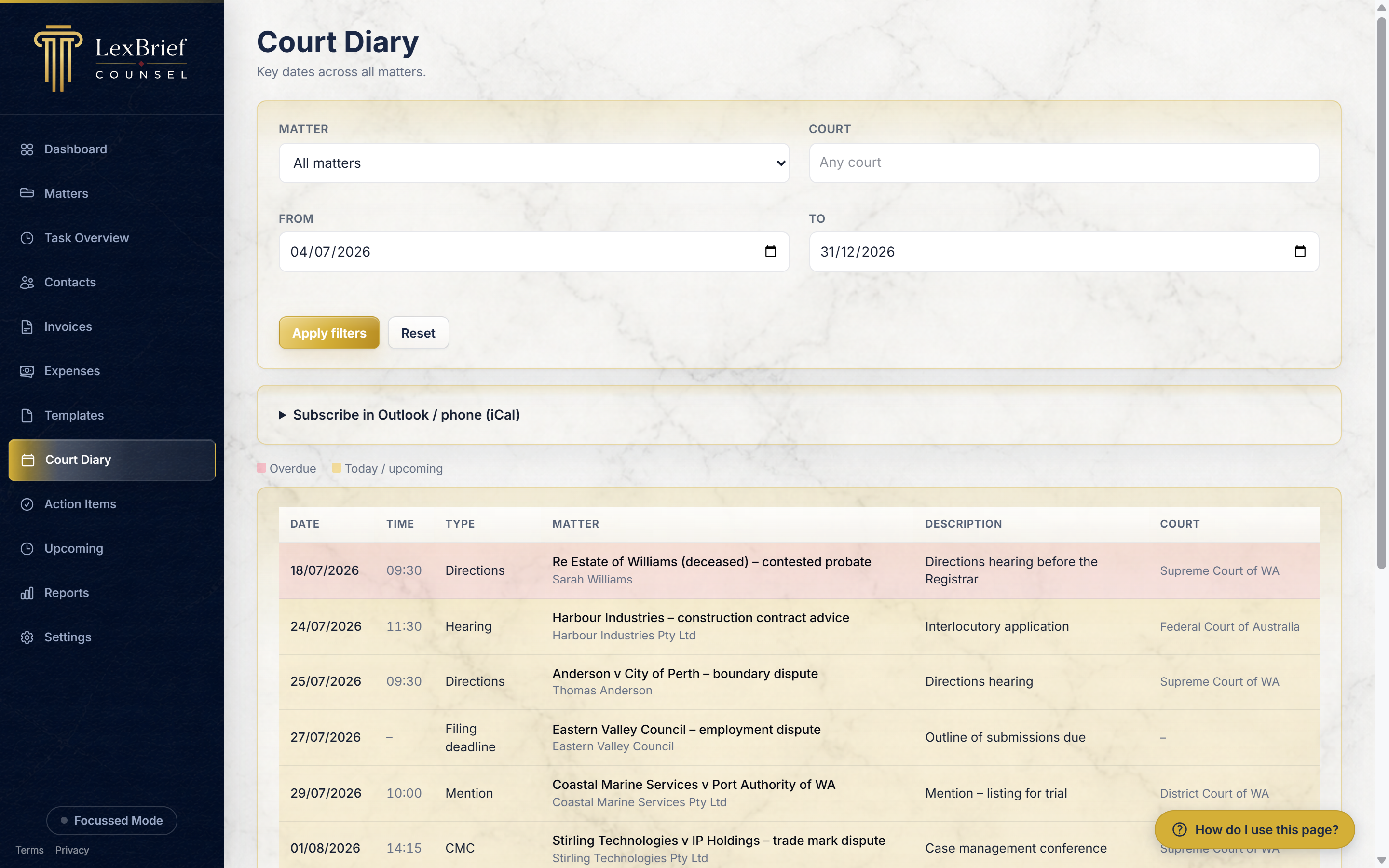
When you first open it, the page shows all your upcoming dates (today onwards). To look back, or to narrow to a shorter window, use the From and To boxes at the top, then click Apply filters. You can also narrow the list to a single matter or a particular court.
A matter's Key dates tab
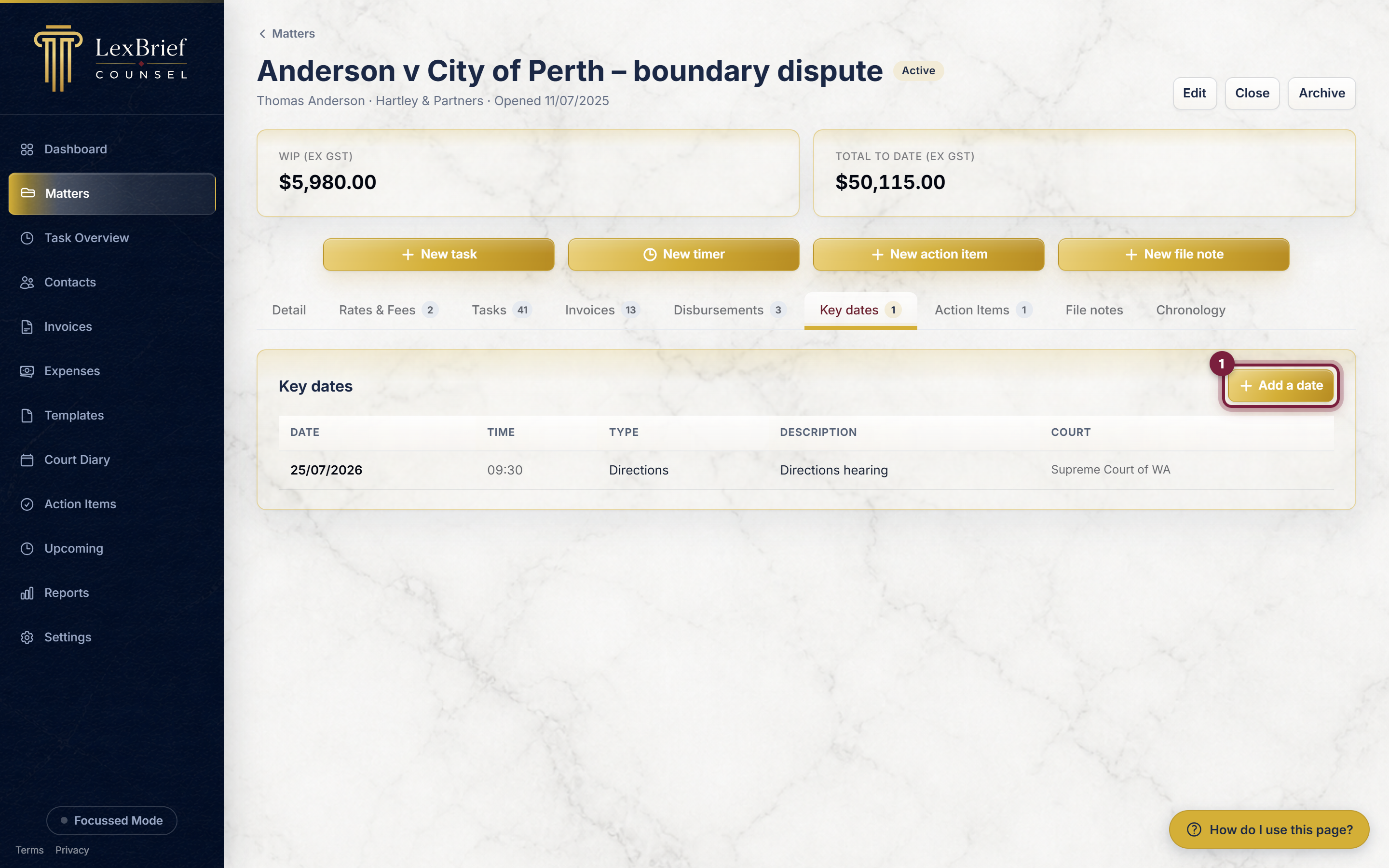
Every matter also has its own Key dates tab, which shows just that matter's dates. This is where you add and edit them.
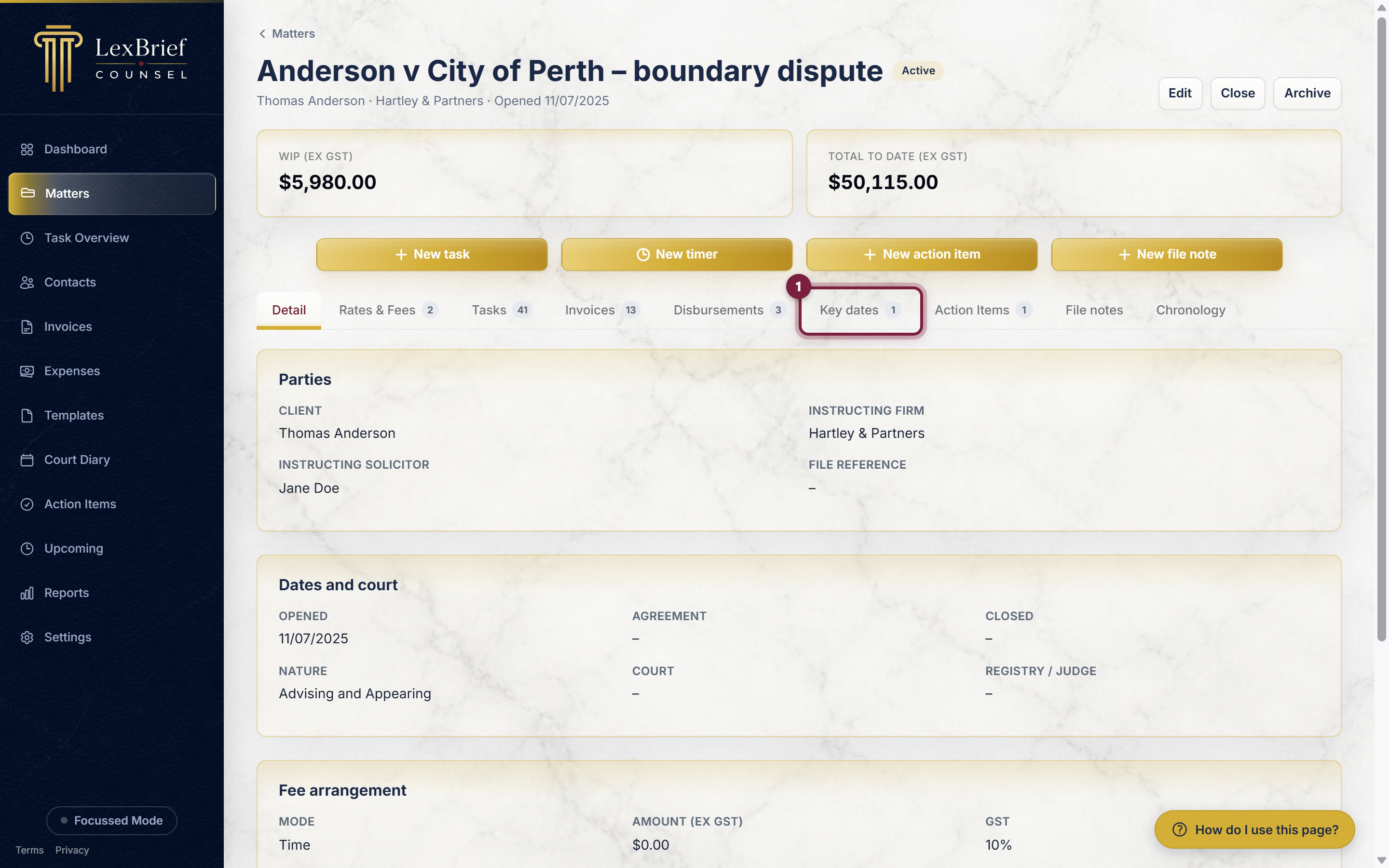
Open the matter (click it in your Matters list), then click the Key dates tab in the row of tabs across the middle of the page.
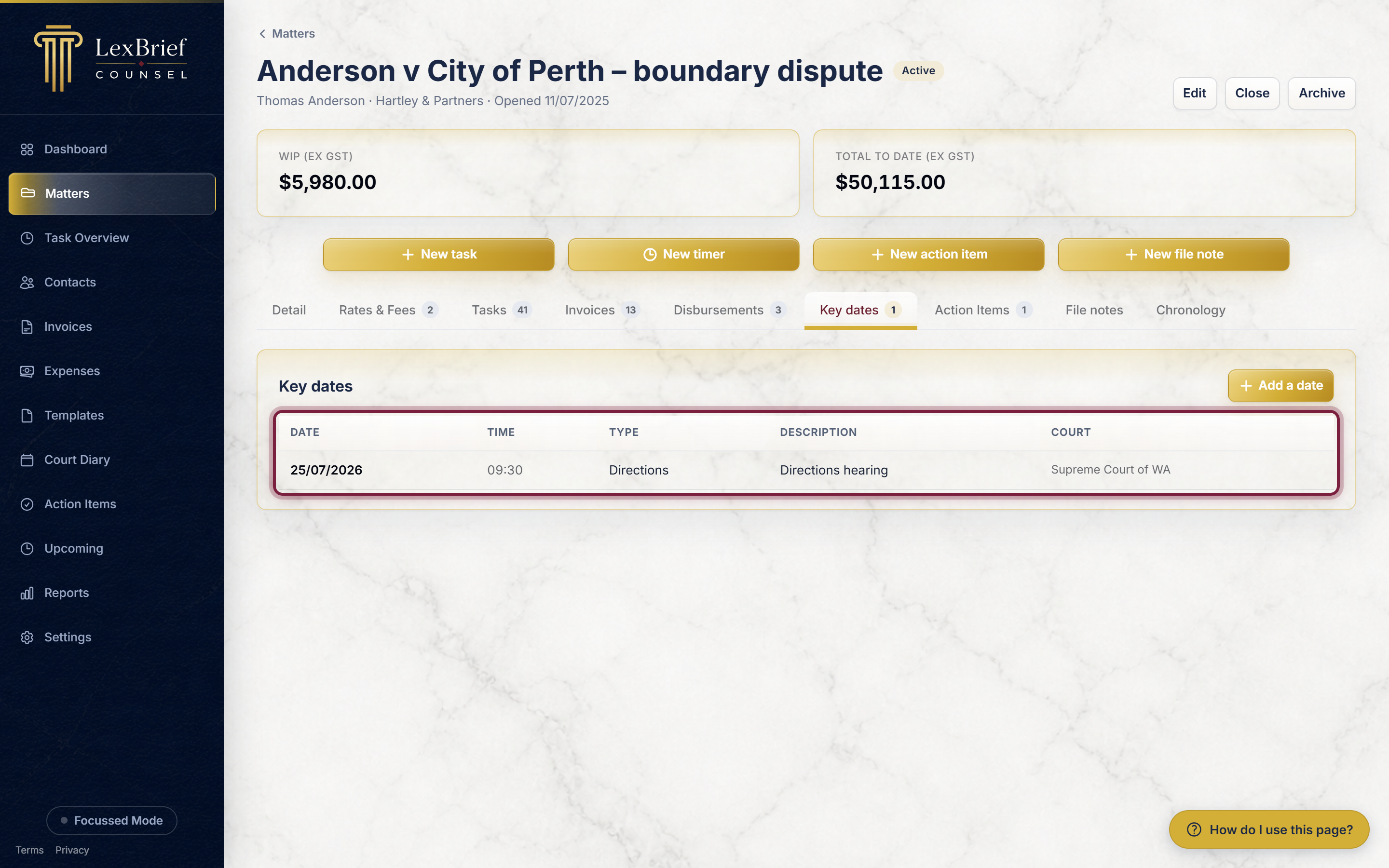
The tab lists the dates already recorded on that matter, with the date, time, type, a short description and the court.
Add a key date
1. Click "Add a date"
On the Key dates tab, click the gold Add a date button on the right.
2. Enter the date
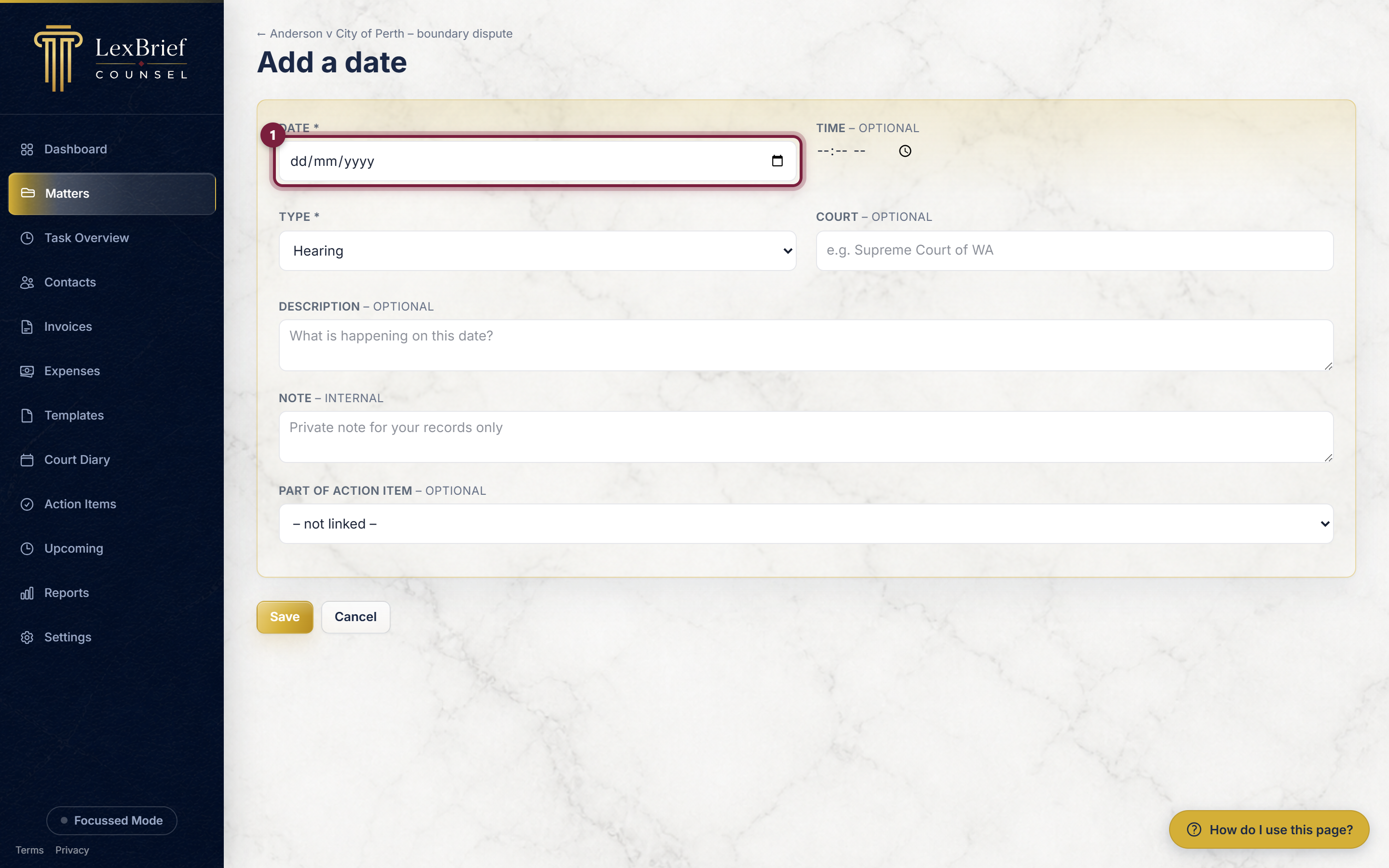
The Date box is the only one you must fill in. Type the date (or pick it from the little calendar), for example 05/10/2026.
3. Add a time (optional)
If the event has a set time – say a hearing at 10:15 – type it in the Time box. Leave it blank for an all-day deadline.
4. Choose the type
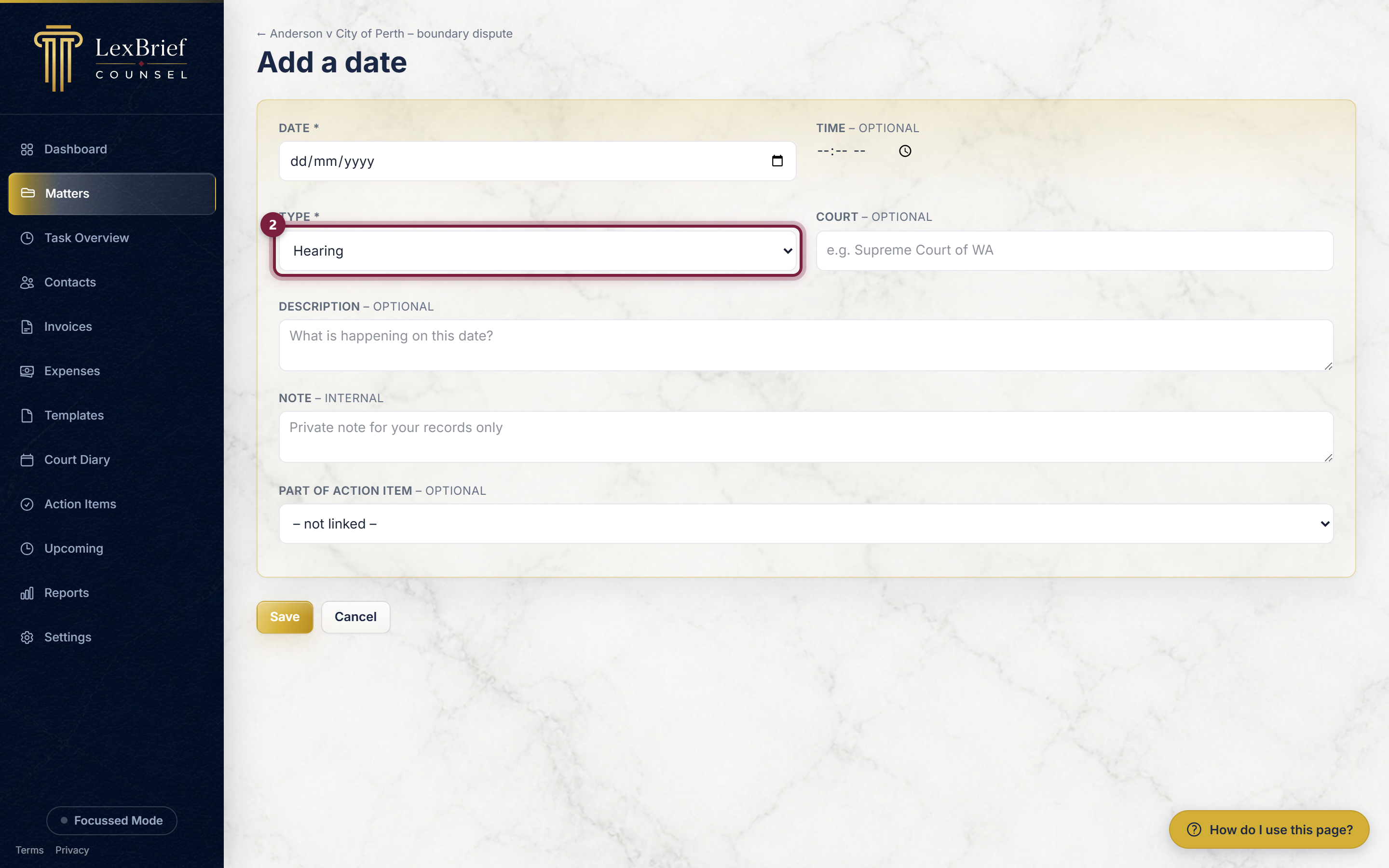
The Type box says what kind of date it is. Click it and choose from the list – Hearing, Directions, Mention, CMC (case-management conference), Trial, Filing deadline, Compliance or Limitation.
5. Add a description and court (optional)
The Description is a short line about what is happening, for example Submissions due. The Court box is where the event is, for example Supreme Court of WA. Both are optional but make the list easier to read.
6. Save it
Click the gold Save button at the bottom.
What you should see. The new date appears in the Key dates list for the matter, in date order, and it also shows up on the main Court Diary page along with everything else.
Seeing what is coming up
Once your dates are in, LexBrief pulls the nearest ones together for you in a couple of places:
- the Court Diary page (above) shows all your upcoming dates across every matter;
- the Upcoming page in the left-hand menu rolls your soonest key dates and to-do items into one short digest, so a quick look each morning tells you what is on the horizon.
If you keep a separate calendar app (Outlook, or the calendar on your phone), you can also subscribe to your diary as a read-only feed. On the Court Diary page, open Subscribe in Outlook / phone (iCal) and follow the note there. Keep that link private – anyone with it can see your dates.
What next
Now that your key dates are recorded, these guides cover related day-to-day work:
- Matters – creating and managing the files your dates hang off.
- Browse all help guides – including Action Items (your per-matter to-do list) and File notes.
Stuck on anything at all? Email support@lexbrief.au – a real person reads it, usually the same working day.